When you add new features to a web application, it is important to ensure there are no performance regressions. Lighthouse is a tool that analyzes web apps and pages, generating reports on performance and best practices. It is integrated into the developer tools of Chromium-based browsers:
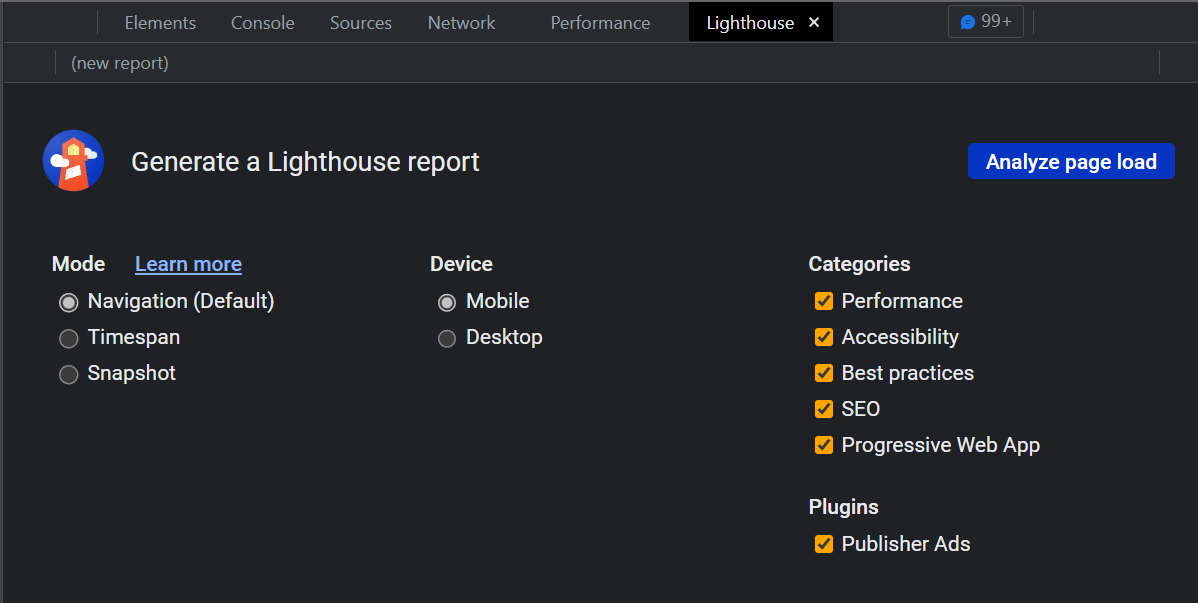
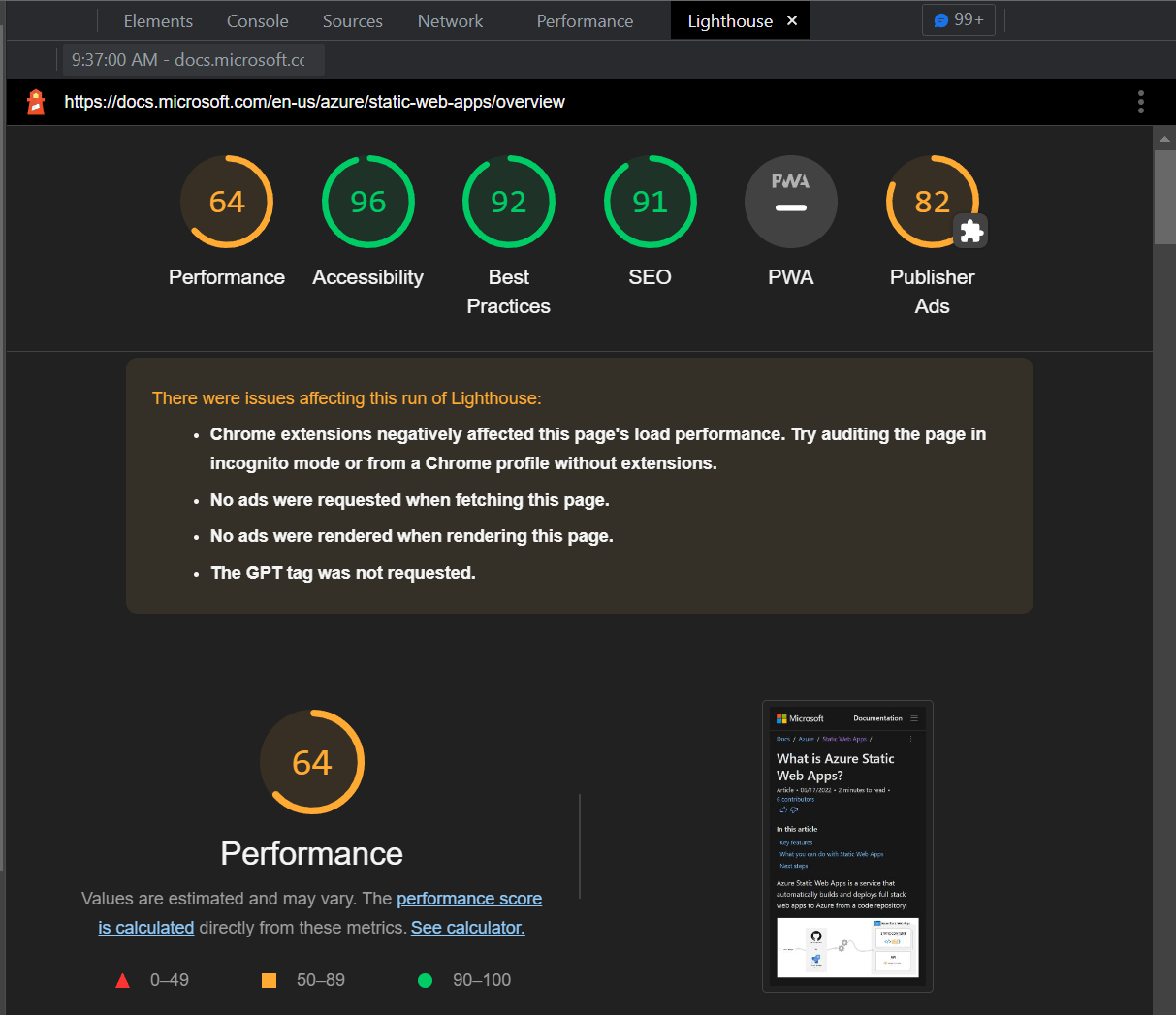
You can generate a report manually from your browser or the CLI, but to catch regressions automatically, you need to integrate it into your CI pipeline. Lighthouse CI does exactly this: it generates reports for your web application, and you can configure budgets to fail the build when a metric exceeds the allowed threshold.
A budget file is a JSON file containing a list of rules for each page you want to analyze. The budget file documentation is available on GitHub: performance-budgets.md
lighthouse-budget.json (JSON)
[
  {
    "path": "/*",
    "timings": [
      {
        "metric": "interactive",
        "budget": 3000 // 3 second
      },
      {
        "metric": "first-meaningful-paint",
        "budget": 1000 // 1 second
      },
      {
          "metric": "cumulative-layout-shift",
          "budget": 0.01
      }
    ],
    "resourceSizes": [
      {
        "resourceType": "total",
        "budget": 500 // 500kiB
      },
      {
        "resourceType": "script",
        "budget": 150
      }
    ],
    "resourceCounts": [
      {
        "resourceType": "third-party",
        "budget": 10
      }
    ]
  }
]
You can then update your GitHub Actions workflow to integrate Lighthouse CI. The treosh/lighthouse-ci-action action makes this straightforward: it runs Lighthouse CI and fails the job when a budget limit is exceeded.
The Azure SWA action may deploy the app to a preview branch, generating a random URL. You can access this URL from the deploy job output using: ${{ needs.<deploy_job>.outputs.static_web_app_url }}
.github/worflows/publish.yml (YAML)
name: Azure Static Web Apps CI/CD

on:
  push:
    branches:
      - main
  pull_request:
    types: [opened, synchronize, reopened, closed]
    branches:
      - main

jobs:
  # Deploy Azure Static Web Apps
  build_and_deploy_job:
    if: github.event_name == 'push' || (github.event_name == 'pull_request' && github.event.action != 'closed')
    runs-on: ubuntu-latest
    name: Build and Deploy Job
    # Make the url accessible to other jobs
    outputs:
      static_web_app_url: ${{ steps.builddeploy.outputs.static_web_app_url }}
    steps:
      - uses: actions/checkout@v2
        with:
          submodules: true
      - name: Build And Deploy
        id: builddeploy
        uses: Azure/static-web-apps-deploy@v1
        with:
          azure_static_web_apps_api_token: ${{ secrets.AZURE_STATIC_WEB_APPS_API_TOKEN }}
          repo_token: ${{ secrets.GITHUB_TOKEN }}
          action: "upload"
          app_location: "/"
          output_location: ""
          skip_app_build: true

  # Run Lighthouse CI on the deployed site
  lighthouse_azure_swa:
    needs: [build_and_deploy_job]
    runs-on: ubuntu-latest
    steps:
    - uses: actions/checkout@v3
    - name: Lighthouse audit
      uses: treosh/lighthouse-ci-action@v9
      with:
        runs: 3
        urls: |
          ${{ needs.build_and_deploy_job.outputs.static_web_app_url }}/
          ${{ needs.build_and_deploy_job.outputs.static_web_app_url }}/test.html
        budgetPath: ./budget.json
        uploadArtifacts: true
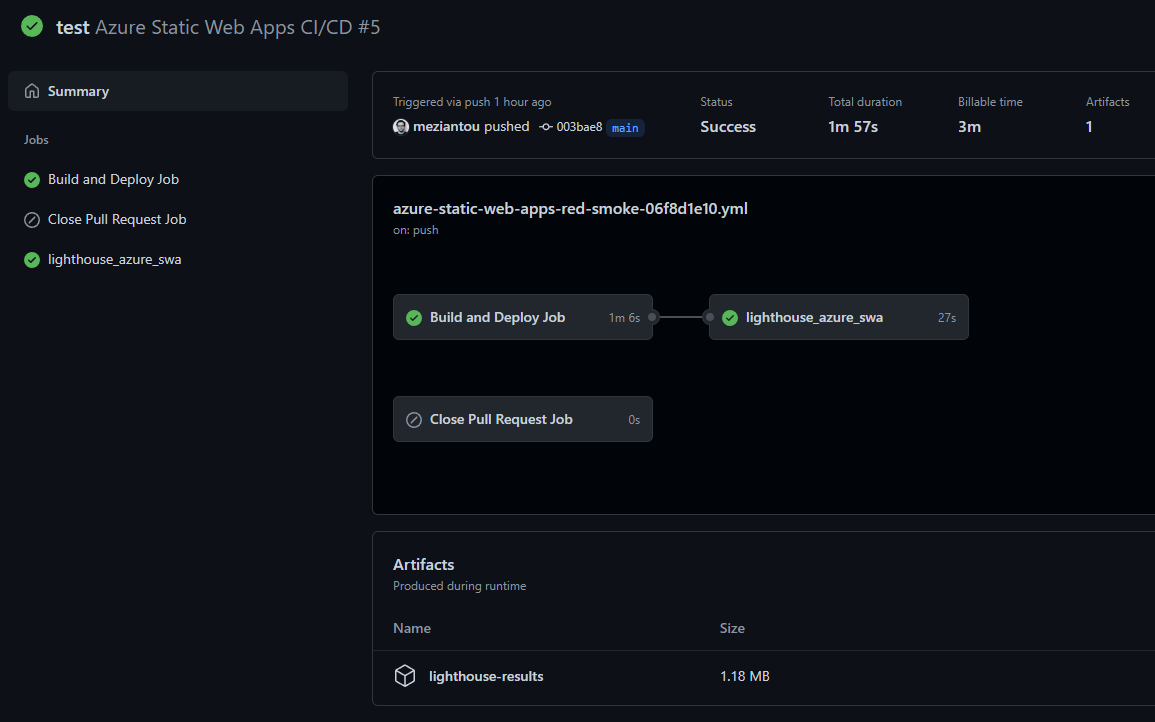
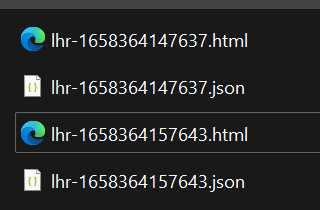
You can view the full report in the artifacts. The job generates a JSON and an HTML report for each tested URL:
#Additional resources
Do you have a question or a suggestion about this post? Contact me!
