In Visual Studio, you can easily open a file using the search everything feature (Ctrl+T). However, for some operations, such as renaming a file, you need to locate the file in Solution Explorer. You can quickly find the currently open file in Solution Explorer using Ctrl+[, S or by clicking the following button:
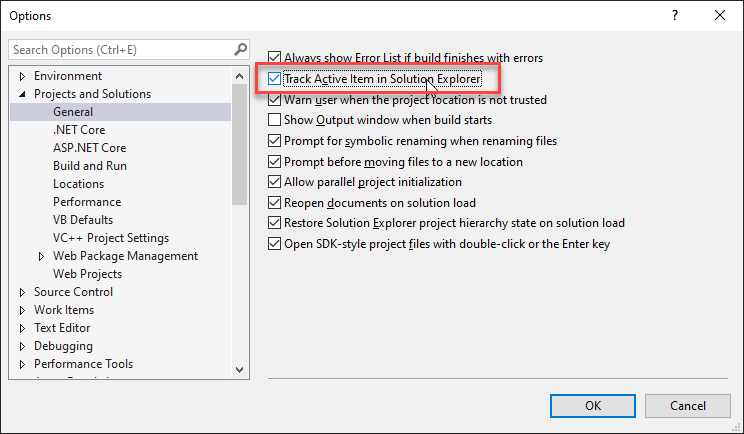
You can also enable the "Track Active Item in Solution Explorer" option to automatically select the current document in Solution Explorer:
This post is part of the series 'Visual Studio Tips and Tricks'. Be sure to check out the rest of the blog posts of the series!
Do you have a question or a suggestion about this post? Contact me!
